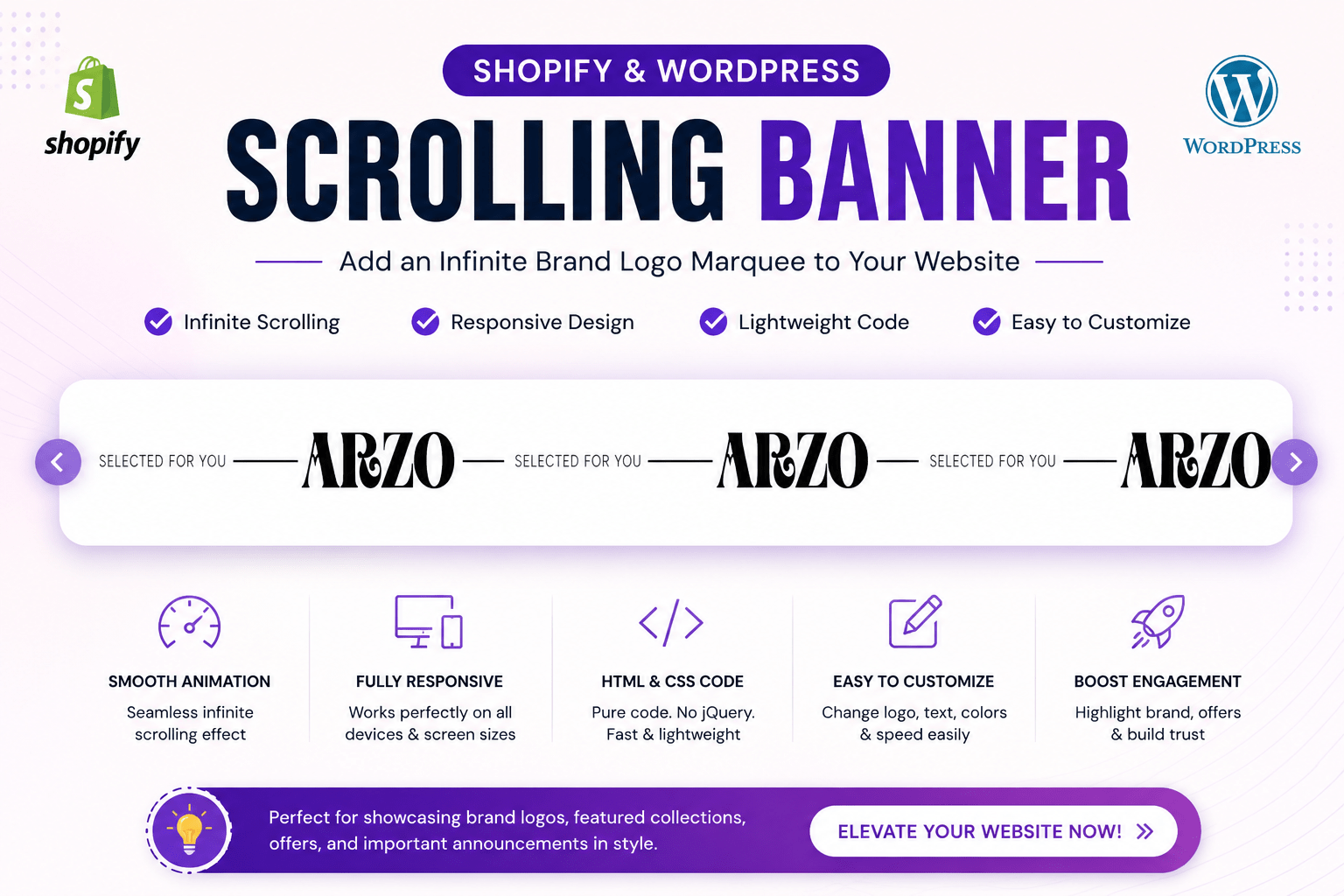

Introduction Scrolling Banner for Shopify & WordPress
A Scrolling Banner is one of the simplest yet most effective ways to make your website look premium and engaging. Whether you own a fashion store, electronics shop, cosmetics brand, or personal business website, an animated scrolling banner instantly grabs visitors’ attention.
The design shown above features repeating brand logos with the text “SELECTED FOR YOU” moving continuously across the screen. This type of banner is commonly used by premium fashion brands because it creates movement without distracting customers.
If you’re using Shopify or WordPress, you can easily implement this design using simple HTML and CSS without installing heavy plugins.
In this guide, you’ll learn everything about creating a professional Scrolling Banner, where to place it, customization options, SEO benefits, and why it improves user experience.
What is a Scrolling Banner?
A Scrolling Banner (also called a Marquee Banner or Infinite Scrolling Banner) is a horizontal section that continuously moves text, logos, icons, or promotional messages across the screen.
Instead of showing static content, it creates a smooth animation that keeps your website looking modern and alive.
Popular uses include:
- Brand logos
- Featured collections
- Promotional offers
- Shipping information
- New arrivals
- Limited-time sales
- Trust badges
- Designer collections
Why Use a Scrolling Banner?
Modern eCommerce websites compete for attention.
Static websites often feel outdated, while animated sections naturally guide the visitor’s eyes toward important information.
A scrolling banner helps you:
✔ Highlight your brand
✔ Increase engagement
✔ Showcase partner logos
✔ Promote offers
✔ Improve website aesthetics
✔ Build brand recognition
Why Fashion Brands Love Scrolling Banners

Luxury fashion brands frequently use scrolling marquees because they create a premium feel.
Instead of showing a single logo once, the logo repeats continuously, reinforcing brand identity.
The example shown in your code displays:
SELECTED FOR YOU
Brand Logo
Line Divider

SELECTED FOR YOU
Brand Logo
Line Divider
repeating infinitely across the screen.
This creates a clean and elegant visual experience.
Features of This Scrolling Banner
Your provided code supports several useful features.
| Feature | Description |
|---|---|
| Infinite Animation | Banner never stops scrolling |
| Brand Logo Support | Add unlimited logos |
| Responsive Layout | Mobile-friendly |
| Lightweight | Pure HTML & CSS |
| Fast Loading | No JavaScript libraries required |
| Easy Customization | Replace logo, text, spacing, colors |
| Shopify Compatible | Works in Custom Liquid |
| WordPress Compatible | Works in HTML block |
Shopify vs WordPress Implementation
| Feature | Shopify | WordPress |
|---|---|---|
| Installation | Custom Liquid | Custom HTML Block |
| Theme Support | Yes | Yes |
| Responsive | Yes | Yes |
| Plugin Required | No | No |
| Coding Knowledge | Basic | Basic |
| Performance | Excellent | Excellent |
Both platforms work perfectly with this code.
Where Can You Use This Banner?
A Scrolling Banner is incredibly flexible.
Popular locations include:
Homepage
Display featured brands or promotional messages.
Example:
NEW ARRIVALS

FREE SHIPPING

LIMITED EDITION

SHOP NOW
Above Product Grid
Highlight collections before customers start browsing.
Announcement Bar
Instead of a static announcement bar, create an animated one.
Example:
Free Shipping

COD Available

Secure Payments

Easy Returns
Brand Showcase
Display partner logos continuously.
Perfect for:
- Fashion Brands
- Clothing Stores
- Electronics
- Furniture
- Beauty Products
Footer
A subtle scrolling logo section adds professionalism.
Customization Options
One of the biggest advantages of this banner is how easily it can be customized.
You can change:
- Brand Name
- Logo
- Text
- Font
- Speed
- Background Color
- Text Color
- Divider Line
- Logo Size
- Padding
- Animation Direction
Without affecting the layout.
Example Ideas
Fashion Store
NEW COLLECTION

Designer Logo

PREMIUM QUALITY

Designer Logo
Electronics
Fast Delivery

Samsung

Apple

OnePlus

Sony
Jewellery
Handcrafted Jewelry

Luxury Collection

Gold

Diamond

Silver
Restaurant
Fresh Food

Chef Special

Book Table

Today's Offer
Why Infinite Animation Works Better
Traditional sliders stop after a few seconds.
An infinite scrolling banner:
- Never pauses
- Feels smoother
- Uses less space
- Shows more information
- Creates premium branding
Visitors naturally notice moving elements, making this a subtle yet effective marketing tool.
Mobile Optimization
A responsive Scrolling Banner is essential because most online shoppers browse on smartphones.
Your design should automatically adjust:
- Logo width
- Font size
- Spacing
- Animation speed
This ensures a consistent experience across all screen sizes.
Performance Benefits
Unlike bulky slider plugins, your HTML-based scrolling banner offers excellent performance.
Benefits include:
- Faster page loading
- Lower memory usage
- Better Core Web Vitals
- Improved user experience
- Lightweight code
This makes it ideal for Shopify and WordPress stores.
SEO Benefits of a Scrolling Banner
While a scrolling banner is mainly a visual element, it can also contribute to SEO when implemented correctly.
Use Meaningful Text
Instead of random words, include:
- Brand names
- Product categories
- Promotions
- Collection names
Optimize Images
Every logo should include descriptive alt text.
Example:
alt="Scrolling Banner Brand Logo"Compress Images
Smaller logo images improve loading speed.
Avoid Excessive JavaScript
CSS-based animations are more efficient and search-engine friendly.
Accessibility Tips
A good scrolling banner should also be accessible.
Best practices:
- Use descriptive alt text
- Maintain sufficient color contrast
- Avoid overly fast animations
- Ensure logos remain readable
- Keep spacing comfortable
This improves usability for all visitors.
Common Mistakes
Avoid these errors:
❌ Oversized logos
❌ Too many colors
❌ Extremely fast animation
❌ Poor mobile spacing
❌ Low-quality PNG images
❌ Excessive padding
❌ Heavy JavaScript libraries
Keeping the design minimal creates a more professional appearance.
Best Design Practices
For premium-looking websites:
- Use monochrome logos
- Maintain equal spacing
- Keep the background clean
- Use SVG logos whenever possible
- Ensure seamless looping
- Match banner colors with your brand identity
Simple designs often leave the strongest impression.
How to Add This Scrolling Banner in Shopify
- Open Online Store → Themes.
- Click Customize.
- Add a Custom Liquid section.
- Paste the HTML/CSS code.
- Replace the sample logo with your own brand logo.
- Save and preview the changes.
How to Add This Scrolling Banner in WordPress
- Open your WordPress Dashboard.
- Edit the page or post where you want the banner.
- Add a Custom HTML block.
- Paste the HTML/CSS code.
- Upload your logo to the Media Library and update the image URL.
- Publish the page.
Visual Suggestion
Add an image here with alt text:
“Scrolling Banner for Shopify and WordPress”
Suggested screenshots:
- Desktop Scrolling Banner Preview
- Mobile Responsive View
- Shopify Custom Liquid Editor
- WordPress Custom HTML Block